
Article
The Detail That Makes a 3D Product Video Worth Watching
November 5, 2026
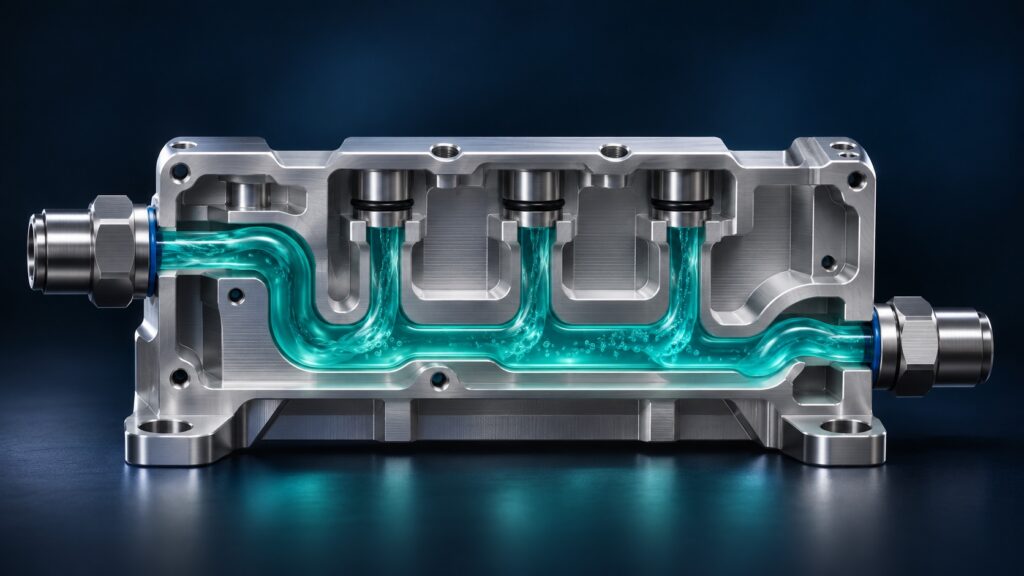
A product animation shows coolant flowing through a new assembly. It looks great. Then an engineer stops the video. The coolant enters through the wrong port. Fix that one detail and the video can teach a buyer how the product works. Leave it in and the animation teaches them something else entirely.
A well-rendered 3D animation can show what a camera can’t easily capture. It can take a buyer inside a sealed enclosure, reveal how layers fit together, or slow down a process that happens too fast to see. The render gets people’s attention. The accuracy gives sales and engineering a reason to use it.
That accuracy matters most when revisions come in. Move the inlet. Hold the camera for another second. Show the correct finish on the housing. In an editable 3D scene, the team can make those changes to specific parts of the scene, review the result, and render it again. Animation controls let the team set values such as an object’s position at specific frames. Blender Manual
Generative video can help a team explore a visual direction, and tools like Runway can make targeted edits to existing footage. For a product sequence that needs to match approved geometry and stay consistent across revisions, an editable 3D scene gives the production team direct control over the details reviewers care about. Runway Edit Studio
Start with the detail you want the buyer to understand. Build the shot around the moment they can finally see it.